

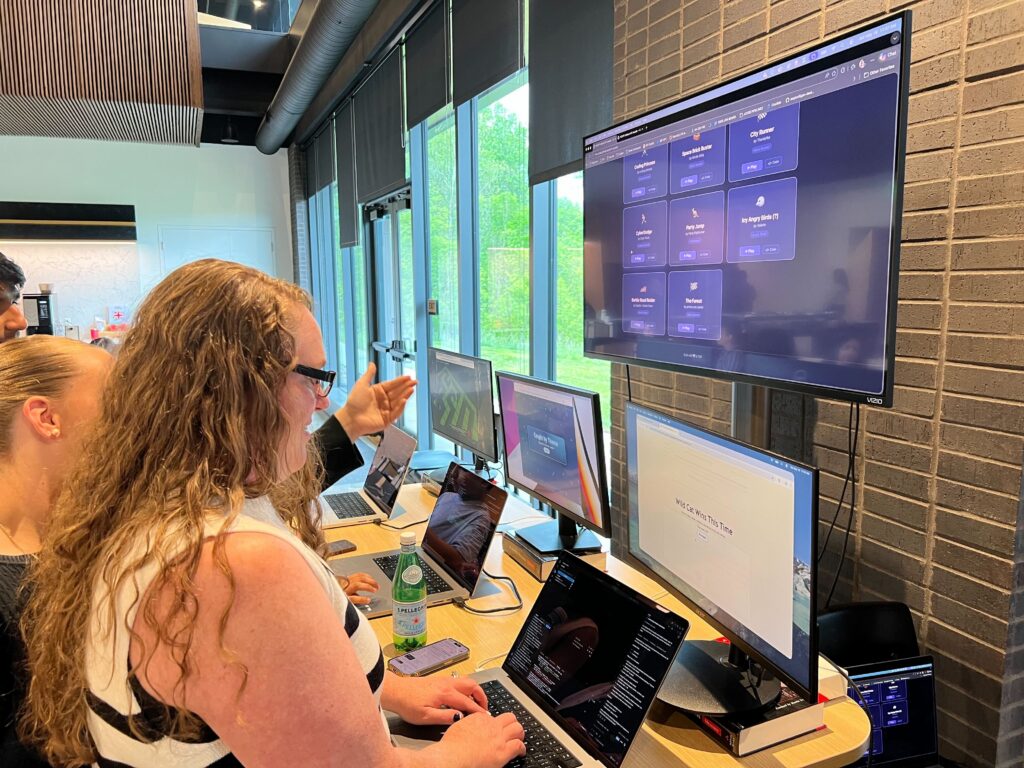
NCWIT AiC is a national program that recognizes high school students for their achievements and interests in computing and technology. Every year, the Indiana affiliate organizes the NCWIT Indiana Aspirations in Computing Awards Event to celebrate Hoosier students who are doing incredible things in tech. This year, SEP had the honor of hosting this event. We wanted to leverage generative AI to create a memorable experience for the attendees.
The Challenge
Past events traditionally featured a STEM activity, and we knew we wanted a STEM activity focused on generative AI. In order to make it unique and memorable, I had some requirements of my own:
- Authentic. I believe the best way to learn is to get your hands dirty. It’s empowering, especially to those who aspire to be makers, to build a real thing. I didn’t want a watered-down sandbox or a showcase. I wanted participants to experience agentic AI the way SEP’s software developers do in the real world. I wanted them to write real code in a real editor and commit to a real repository.
- Aspirational. I was willing to hedge my bets that most aspiring developers have thought about building their own game at some point.
- Low Barriers to Entry. We want an authentic developer experience, but some participants have never written a line of code. This created an interesting design challenge: How do you craft a developer experience for someone who isn’t (yet) a developer. AI removes a lot of friction, but not all of it. Looking at an IDE or a terminal for the first time can be intimidating.
- Permanent. I didn’t want the experience to end when the participants left SEP. They should be able to “walk away” with what they’ve built.
- Universal Participation. Not everyone would build a game. Some might prefer to watch, or they’ll only have a few minutes. The activity needed to work for everyone, whether they approached my keyboards or not.
- Informative. It should not only demonstrate the AI development experience. Participants should be able to peek under the hood and learn how their experience was crafted for them.
Engineering the AI Experience
My ambitions for this STEM activity was a tall order, but with a little bit of harness engineering, a smidge of DevOps, and the right tech stack, it was very feasible, especially if we focused on keeping it simple.
The Tech
It was important that the tech stack delivered the most wow factor with the least amount of complexity. Three.js fits the bill. It is a high level JavaScript API that abstracts low-level WebGL graphics, so writing 3D matrix code and shaders is straightforward. There are no heavyweight engines, and because it is in JavaScript, it integrates flawlessly with standard HTML and CSS. It is built entirely for web browsers, so games are instantly playable as a static web page with no compilation step. A quick feedback loop during this activity was key to keeping engagement high.
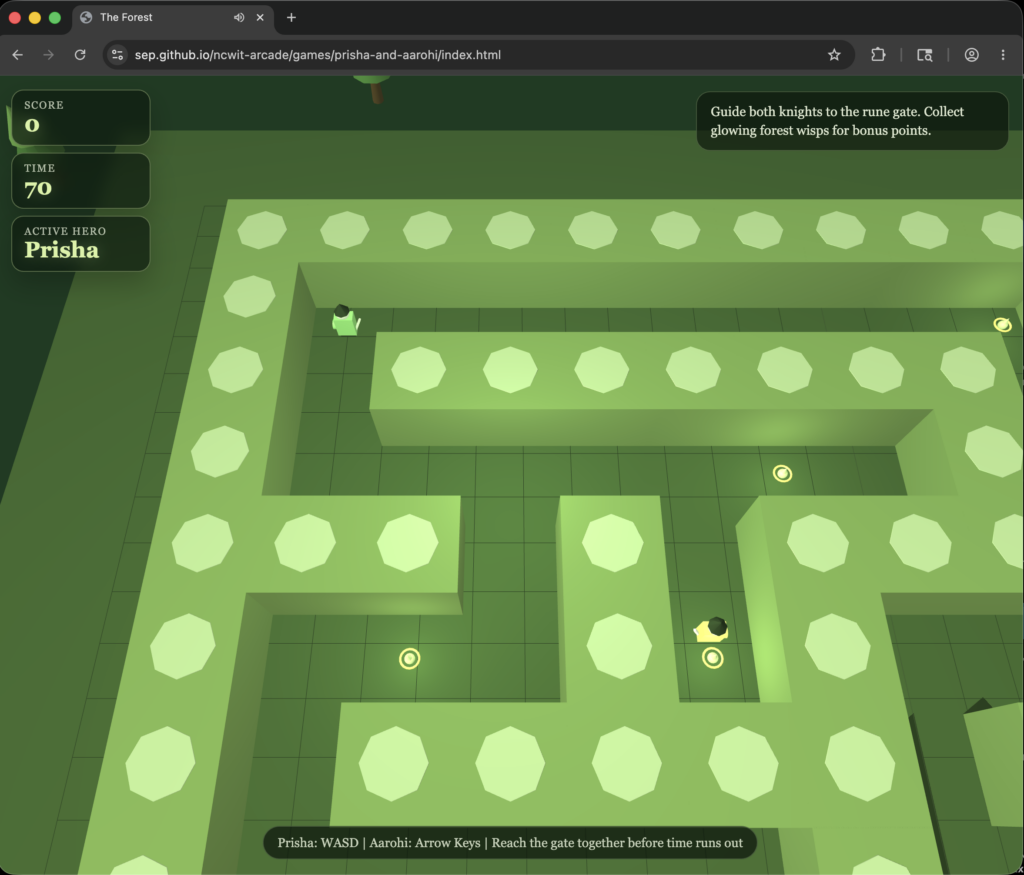
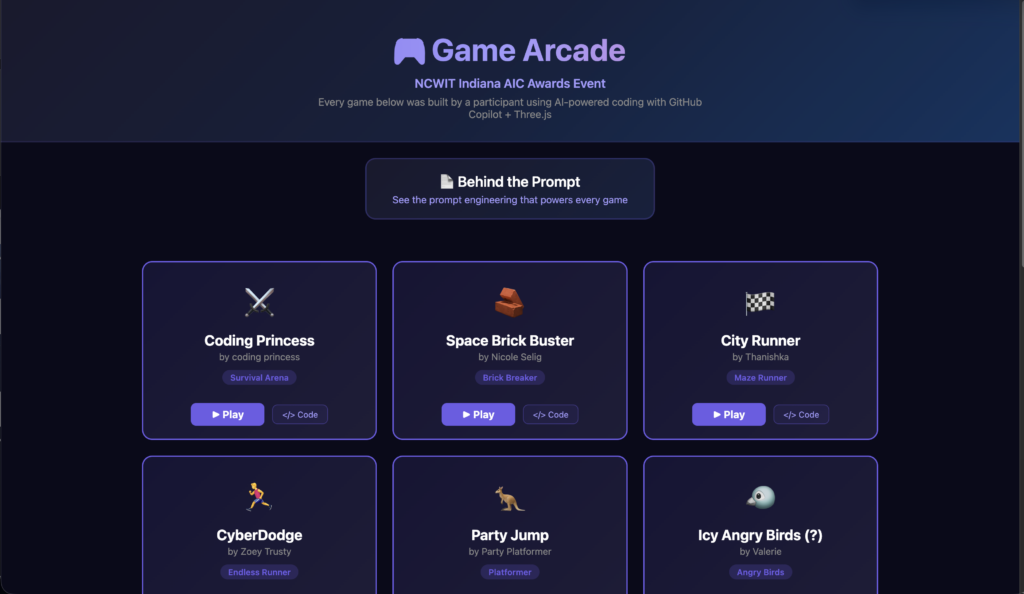
A root HTML file and a manifest kept track of every participant’s game file. It also provided a link to the game and the corresponding code in GitHub.
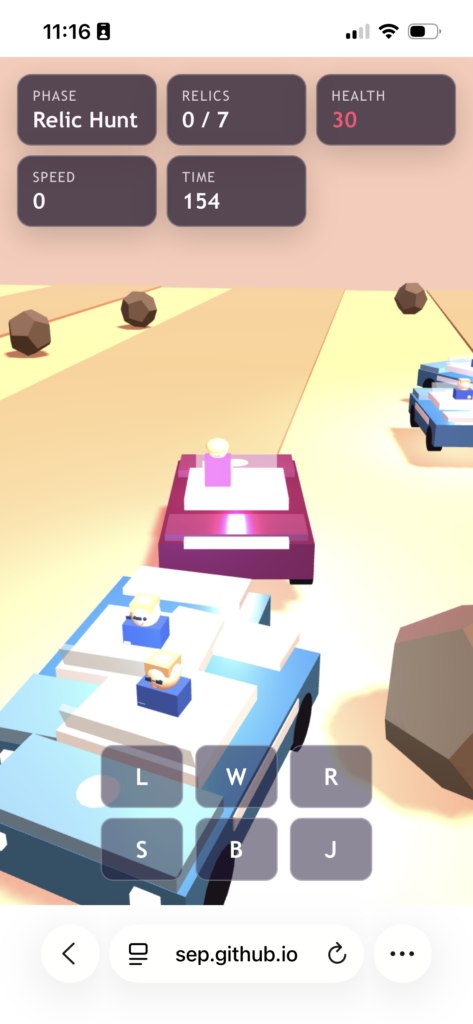
A game template file exists for the AI agent to use as structural guidance. The template includes responsive viewport settings, title screens, game-over screens with restart buttons, score overlays, and touch controls that only appear on a mobile device. The template ensured that every game was playable in a mobile browser once deployed.
The Deployment Pipeline
Getting a game from the participant’s laptop to the Arcade is a commit and push to the repo. The GitHub repo is public, and as a result, GitHub gives you free Actions runners and free Pages hosting. A GitHub Actions workflow triggers on every push, uploads the entire directory as a GitHub Pages artifact, and deploys. About sixty seconds later, the game was live at sep.github.io/ncwit-arcade. A TV above the laptop station displayed the live site, and QR codes placed at each table allowed guest to play the live games on their phones, making it an inclusive experience for everyone attending.
Harnessing the AI Agent
I created a GitHub Copilot agent that orchestrates the entire game creation flow. When a participant opens VS Code and types something like “help me create my game,” the agent takes over.
You are helping a high school student create a custom 3D video game using Three.js
at the NCWIT Indiana AIC Awards Event.
This is their first time using an AI coding agent
— make it fun, encouraging, and impressive!
I compare harnessing an agent to riding a horse. Steering a horse with a harness is about adjusting the horse’s physical and mental focus. If you pull his head to the right, his body will follow. Horses naturally have eyes on the sides of their heads, and they boast nearly 360-degree vision, which makes them highly sensitive to distractions. Blinders on a horse will narrow it’s vision so he can focus on the road ahead and stay calm.

To get an agent to do what you want, you have to craft its harness. The agent instinctively wants to scan the entire repo when a new chat starts. I gave it strict instructions to not do that, in order to get the experience moving faster. Pulling the reins.
Start with the interview immediately. Do not analyze the entire repository first.
The agent presents a series of questions to the participant in the form of clickable choices about what game they would like to create.
Use the vscode_askQuestions tool to ask ALL of the following questions in a single call:

For questions with predefined choices, provide those choices in the tool options field so participants can click to select.
For each option, include the description field so participants can see what each choice means before selecting.
Do not rely on inline suggestion text alone for choice-based questions.
Questions to ask:

Your Name — "What's your name? (This will be used for your game's folder and credits)"

Game Genre — "Pick a game type!" with options:

Dodge It! (description: "Dodge falling obstacles — survive as long as you can!")
Collector (description: "Collect items while avoiding hazards — grow your score!")
Space Shooter (description: "Fly a ship and blast enemies out of the sky!")
Maze Runner (description: "Navigate a 3D maze to find the exit before time runs out!")
Endless Runner (description: "Run forward, jump over gaps and slide under barriers!")

...
Once the participant answers, the agent reads the template game for structural reference, then generates a complete Three.js game. To make this process more efficient, I gave the agent specific instructions on what NOT to care about. Putting on the blinders.
Before the interview, rely only on the known repo contract: games live in games/<participant>/index.html,
the reference template is games/_template/index.html, and the registry is games/manifest.json.

Do not read unrelated files such as README.md, index.html, or styles.css

When reading game files — including the template, an existing participant game,
or the manifest — always scope reads to paths inside games/.
Never read or open the root-level index.html.
Teaching the Agent to Learn
Finally, I had the agent create a living known-issues.md file that it reads before every session. During the event, when a participant noticed a recurring bug, the agent updated that file with what it learned. The agent became smarter after every game generated, and every new participant received an improved experience.
After AI generated the first iteration, participants could keep talking to Copilot in natural language: “make the enemies faster,” “change the background to purple,” “add a boss battle every thirty seconds.” The agent modifies their game file in place, and participants can spend most of their time making it uniquely theirs.
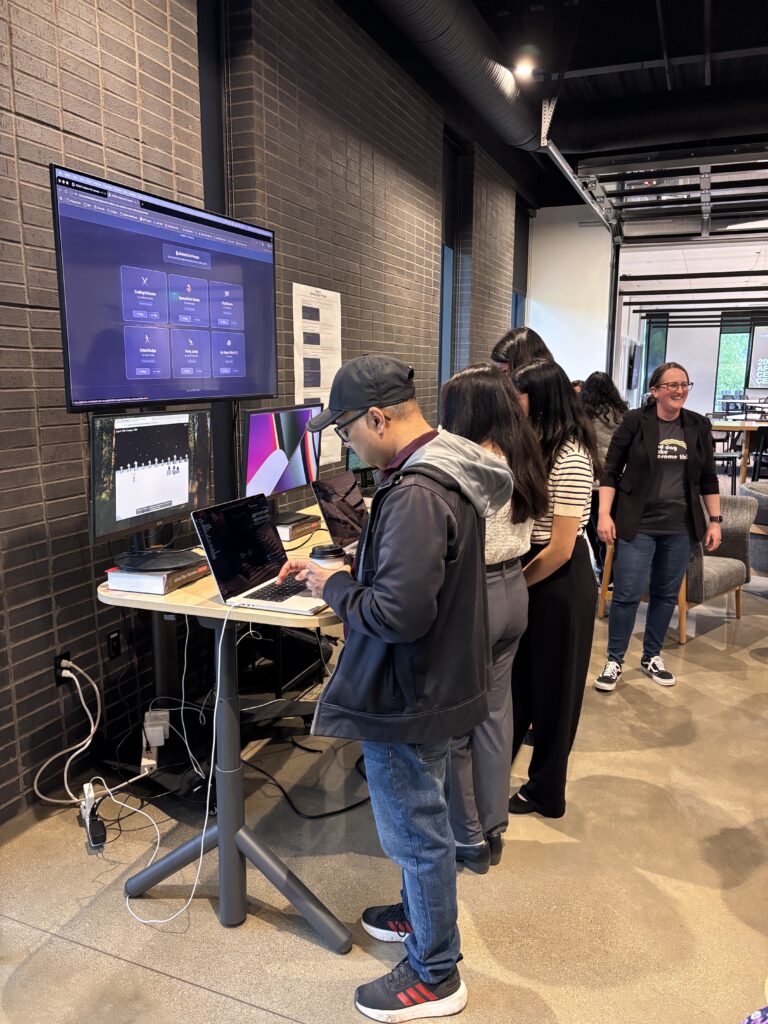
What Happened in the Room
Overall, I think the activity was a success. Attendees were able to build something, ship it, and watch others use it — all before the catering got cold. We managed to get a decent number of games for the arcade, and you can still play them here!
As attendees engaged with the activity, I noticed things that made me feel warm and fuzzy. I saw parents creating games with their children. Students were playing each other’s games at the dinner tables and chatting about which ones they liked best. A few students tested their games on their phones and returned to iterate on something they missed. I saw parents and students reading posters we provided about the prompt engineering that went into the games they built. I am very happy with how it turned out.
Lessons Learned
If I use this again, there are a couple things I would add to make the experience go more smoothly:
1. Reinforce the AI model used. At the beginning of the activity, the agent was performing very slow, and I was unsure of why. I suspect there were variances in the models each machine used. I noticed at one point Claude Sonnet was set to an effort of “High”, which made me think that it was spending a lot of time overthinking. Manually switching all the chats to use “auto” allowed it to choose the appropriate model for each task and that relieved some of the pain, but it’s performance varied. You can pin a specific model in the agent with a model: field in the agent file. Unfortunately, effort level is only supported by the Copilot CLI, but there is an open feature request to reinforce that in the markdown file as well.
2. Automate pushing to the Repo. After each participant finished, I would be the one to manually push changes to the repo so their game would deploy to the website. But because I’m human, and in the heat of the moment, I made some mistakes, which broke the website and I’d have to make hot fixes while the show continued. A separate AI skill triggered on “I’m done with my game” could have updated changes with no merge conflicts, keeping the activity in the pit of success.
Try It Yourself
The repository is open source. If you’re an educator, an event organizer, or a company that sponsors STEM events, you can fork it and run your own version: github.com/sep/ncwit-arcade. The Copilot skill, the deployment pipeline, and the arcade landing page are all there. If you find a way to make it better, please drop me a line and let me know!
If you are a student participant who created a game, find the link. Save it and share it. It may come in handy someday 😉. If you take your code and make improvements, let me know! It is truly your game to keep and do what you like.
