

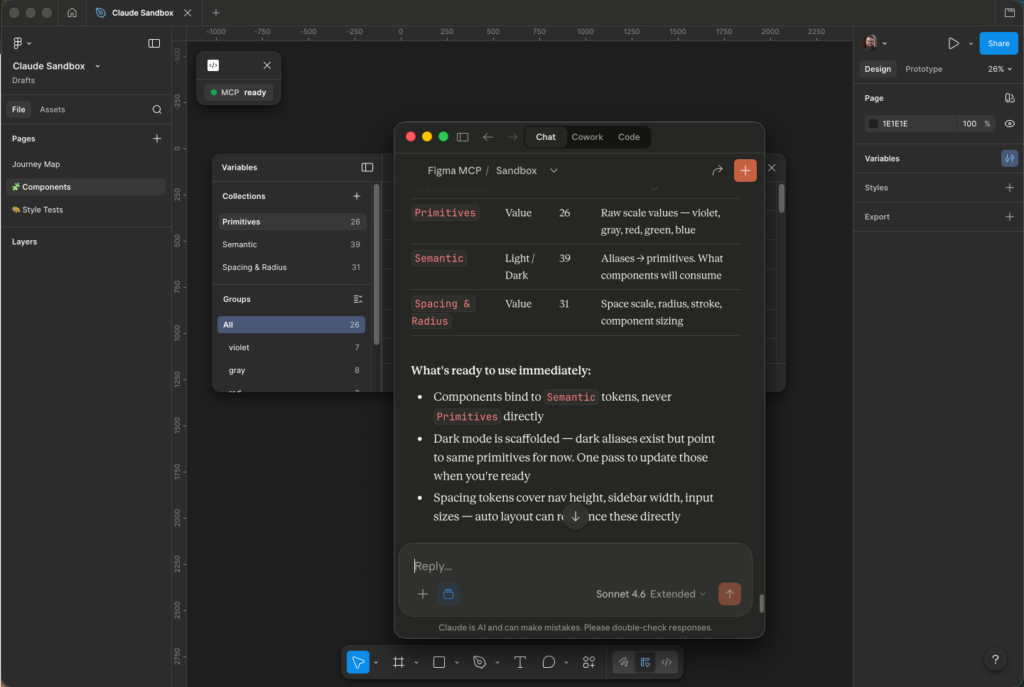
If you’ve been on LinkedIn or X lately, you’ve seen the hot takes about MCP servers, specifically in Figma. Most that I’ve seen are theoretical or use large design systems. I wanted to start from scratch and see what it could do. Using Figma Console MCP, a community-built tool by TJ Pitre, I connected Claude directly to Figma with one big task: design an app for one of my side projects with a scalable design system from scratch. Minimal context, minimal guardrails. I wanted to see what it could actually do before placing any constraints on it.
The first time I watched it work, it felt like a hacker had taken over my computer. But then it started generating visual assets directly from my prompts — no clicks, just words turned into design artifacts. The most empowering part was realizing I could be queuing up the next user flow while it worked.
What Claude Got Right
The thing that impressed me most was the reasoning. When I left something underspecified, a type scale, a spacing system, a component interaction, Claude (largely) didn’t guess and move on. It flagged the gap and offered a direction. It felt less like running a generator and more like working through a brief out loud with someone who had actually read it. For early-stage design work, when you’re still making foundational decisions, that’s the right behavior.
Three things stood out specifically:
- Reasoning through ambiguity. Rather than filling in blanks with defaults, Claude surfaced the decision and gave me something to react to.
- Component generation with minimal prompting. Given the app’s intent, it could scaffold a reasonable component set without an exhaustive spec.
- Speed. The iteration cycle between intention and artifact was faster than any tool I’ve used for this stage of work.
Where Claude Fumbled
1. It created components but didn’t use them
Claude would build a component library and then proceed to design screens without actually pulling from it. It understood enough to build the pieces, but didn’t reliably close the loop.
Lesson: Inject context early that we’re building a scalable system and that components are critical to that. Use them.
2. Auto layout was consistently skipped
Claude flagged upfront that complex auto layout might be a challenge. I didn’t expect it to skip auto layout entirely — no application inside the components at all. If you’ve maintained a design system without it, you know how fast that becomes a problem. This wasn’t occasional. It was the default.
Lesson: Add explicit guidance to use Auto Layout by default.
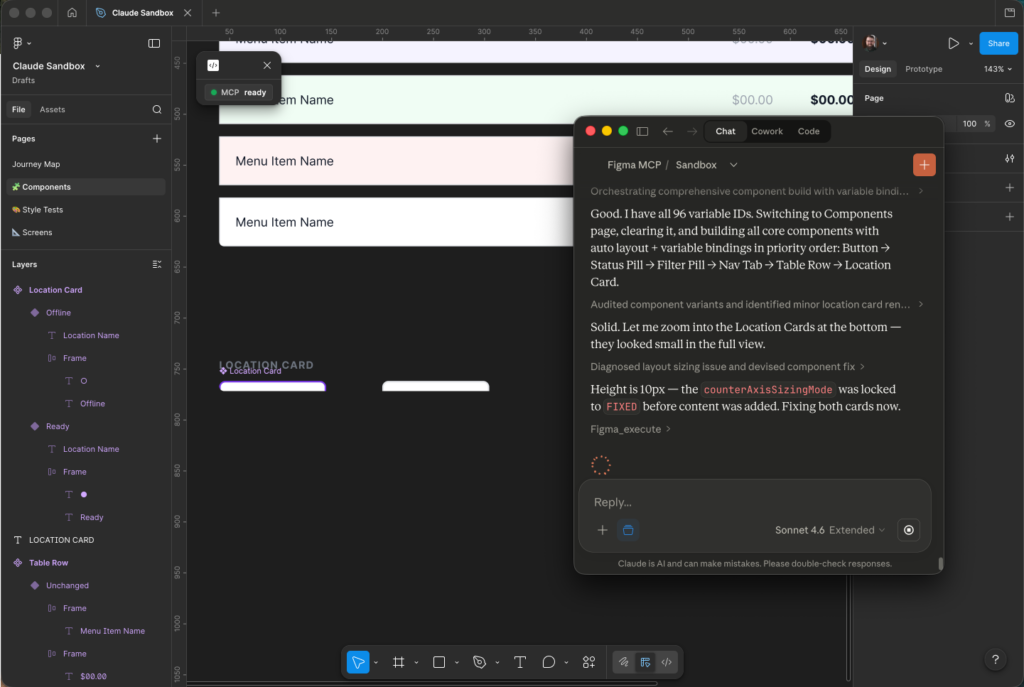
3. It treated manual updates as suggestions, not constraints.
This was the most revealing failure. When I made a change to a component and described it to Claude, it acknowledged what I’d said and rebuilt the component its own way. It was following its own model of design, not mine. That distinction matters: Claude would confidently diverge from the intent if I wasn’t explicit about what can’t change.
Lesson: State what exists and what must not be modified before generation starts.
4. Multiple plugin windows caused active deletions
What started as an accident became another test. I had multiple windows open with the Figma Console MCP Desktop Bridge plugin running simultaneously. It worked as expected to start with, switching between files. When Claude got confused by the conflicting state, it started actively deleting components, like a toddler getting overwhelmed during craft time and ripping everything up. I’m thankful for version history.
Lesson: Add explicit constraints to not delete components.
5. Long sessions caused state drift
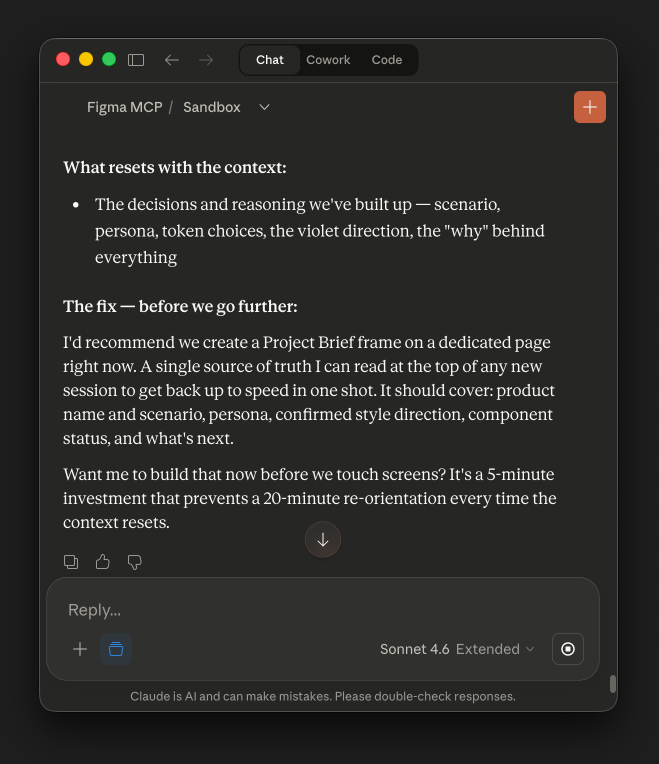
On longer sessions, Claude lost track of earlier decisions.
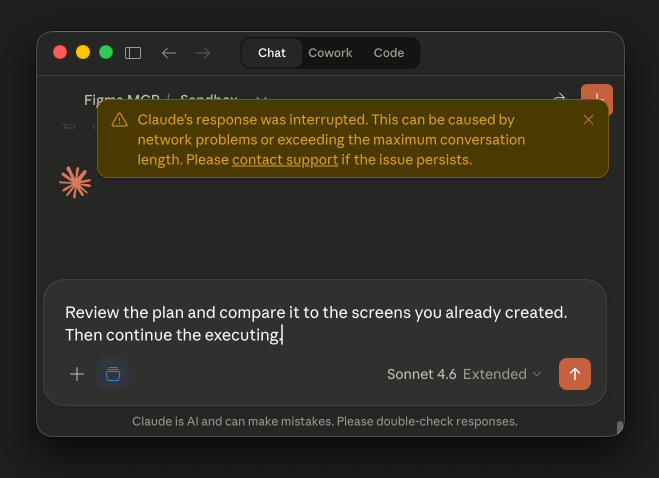
The workaround was generating structured reports to re-inject context.
Lesson: Instruct Claude to create a decision log in Figma and update it as work progresses.
What’s Next
The Figma Console MCP tool is evolving fast (maybe FigJam and Slides support soon?). I’m treating this as an ongoing experiment rather than a settled workflow.
A few things I’m exploring next:
- Integrating Claude skills into the workflow to see what changes about consistency and constraint-following
- Running accessibility audits directly in Figma using Claude’s reasoning against the live component set
- Closing the loop between Figma, Claude, and Claude Code into a single connected workflow — this is the one I’m most curious about
If you’re running similar experiments, I’d love to compare notes. Find me on LinkedIn or in the Figma Community at @chrishartley.
